29. May 2026
8 Mistakes You’re Making with Custom Laser Engraving Services (and How to Fix Them)
Have you ever held something in your hands and just knew it was meant to last?
There’s a certain weight to a piece of walnut that’s been etched with a family name, or a leatherette tumbler that feels like it belongs in the cupholder of a muddy truck just as much as it does on a boardroom table.
Down here in Central Louisiana, we value things that endure. We value the stories they tell. But here’s the thing about stories, if you get the words wrong, the whole ending changes.
I’ve spent more hours than I can count in my shop, surrounded by the smell of scorched cedar and the steady hum of my machines. I’ve learned a lot over the years. Mostly, I learned by breaking things.
I’ve ruined more boards than I care to admit, trying to find that perfect balance between light and shadow. I didn't start as an expert. I started as a guy who just wanted to make something real.
When you’re looking for custom laser engraving services, you’re usually trying to capture a memory. A wedding. A new home. A "thank you" to a client who’s stuck by you. It’s an emotional investment.
And because I want your project to be perfect, the kind of piece you’re proud to pass down, I want to share a few things I’ve learned the hard way. Here are the eight biggest mistakes I see folks make, and how we can fix them together.
1. The "Fat Finger" Typo
It sounds so simple, doesn't it? Just spell the name right.
But you’d be surprised how easily a "Smith" becomes a "Smyth" when you’re typing on a phone in the middle of a busy afternoon. Once that laser hits the wood, there’s no "undo" button.
I’ve had moments where my heart just sank for a customer because a date was off by one digit. It’s a permanent mistake.
The Fix: Take a breath. Step away from the screen for five minutes, then come back and read your text out loud. Better yet, have your spouse or a friend look at it. If it’s a closing gift for a real estate client, double-check that property address one more time. It’s worth the extra sixty seconds.
2. Treating Every Wood Like It’s the Same
Wood is a living thing. Well, it was. And it still acts like it sometimes.
Each species has a personality. Oak is stubborn with its heavy grain. Maple is clean and bright. Walnut is rich and moody. If you try to engrave a tiny, delicate script onto a piece of wood with a very "busy" grain, the wood is going to win. Your message will get lost in the lines.
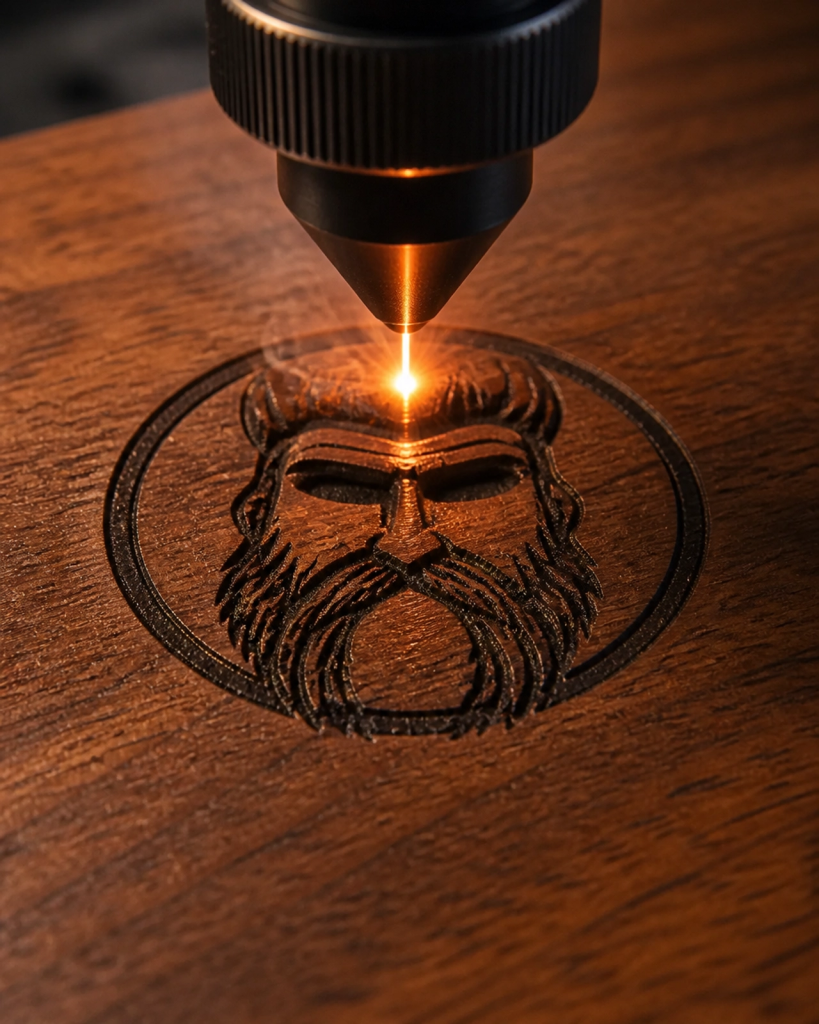
The Fix: Match your design to the material. If you want something highly detailed, go for a tighter grain like maple or cherry. If you love the rugged look of oak, keep your design bold and simple. I’m always happy to chat about which board in our shop will make your design pop the most.
3. The "Pixelated Nightmare"
I get it. You found a great photo on Facebook or a logo from a website, and it looks fine on your phone screen.
But a laser doesn't "see" like we do. It needs clear, sharp lines to follow. If you send over a blurry, low-resolution image, the laser is going to try its best, but the result will look like a TV from 1985 with bad reception.
The Fix: High-resolution is king. Vector files (like .SVG or .AI) are the gold standard because they don't lose quality no matter how big we make them. If you’re sending a photo for a wooden photo frame, make sure it’s the original file: not a screenshot. Please note that CarvingTree.art cannot be held responsible for the final engraving quality if a low-resolution or poor-quality image is provided.
4. Getting a Little Too "Fancy" with Fonts
I love a beautiful, swirling script as much as the next guy. It looks elegant on a wedding invitation.
But when you’re engraving on stainless steel tumblers, those thin little lines in the font can sometimes vanish or become hard to read against the metallic finish. If the lines are too close together, the laser can "over-burn" that area, making it look like a blob instead of a letter.
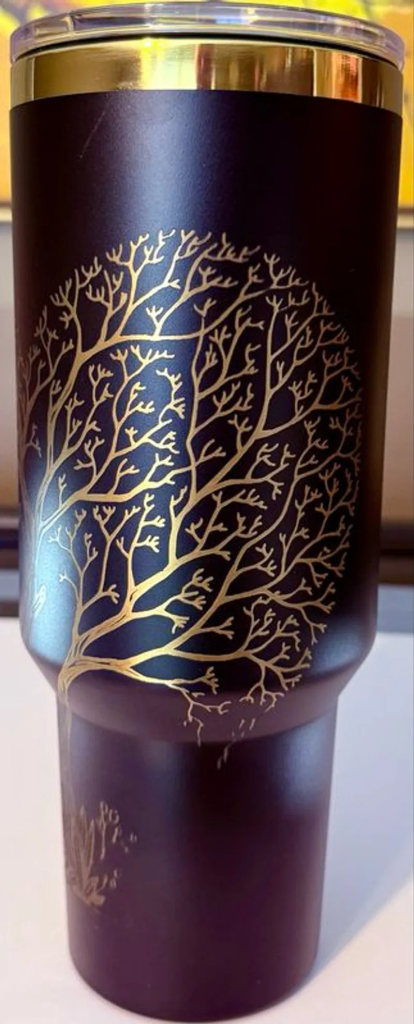
The Fix: Think about legibility first. If the item is going to be used every day: like a cutting board: choose a font that stays clear even when it’s wet or being handled. Sometimes, simple is the most sophisticated choice you can make.
5. Ignoring the Material’s "Personality"
One of the things I love most about what we do at CarvingTree is working with different materials. Leatherette, acrylic, glass, metal: they all have a different vibe.
A mistake I see often is trying to force a design meant for one material onto another. What looks great as a silhouette on a wood sign might look totally different when it’s etched into a glass coaster.
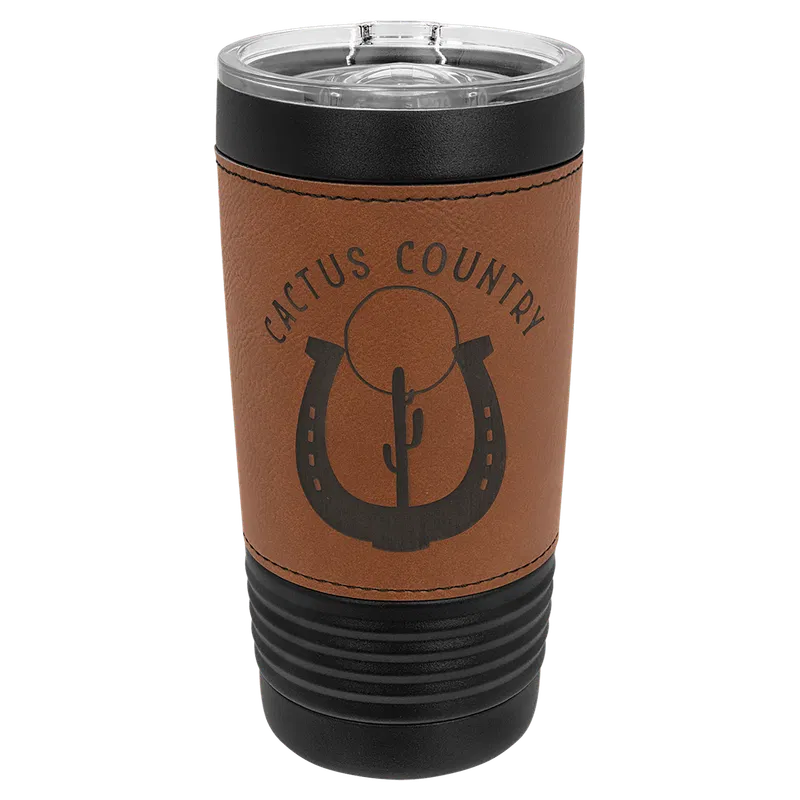
The Fix: Let the material speak. For example, our leatherette tumblers give a wonderful, rustic contrast that’s perfect for outdoor logos. Acrylic is sharp and modern. If you aren't sure how a design will translate, just ask. I’ve seen enough of these come off the machine to know what’s going to sing and what’s going to fall flat.
6. The "One Size Fits All" Trap
Size matters. It really does.
Sometimes people want to cram a whole paragraph of text onto a small coaster. Or they want a tiny 1-inch logo in the corner of a massive 2-foot sign. If the scale is off, the whole piece feels "unbalanced."
I’ve stood in the shop many times, looking at a design on my screen, then looking at the physical wood, and realizing I needed to shift things just a hair to make it feel right.
The Fix: Trust the "white space." You don't have to fill every inch of the surface. A well-placed, properly sized logo often looks much more professional than something that’s been stretched to fit the edges.
7. Skipping the "Second Look" (The Digital Proof)
I always provide a digital proof before I start a big project. Sometimes, people are in a hurry. They just want it done yesterday.
But skipping that final check is where most of the "I wish I had changed that" moments happen. Maybe the logo looks bigger than you imagined. Maybe the font isn't exactly what you pictured.
The Fix: Treat the digital proof like a final rehearsal. Look at the placement. Look at the spacing. Once you give the "thumbs up" through the Product Proof Approval Form, the laser gets to work. That proof is our handshake: it’s how I make sure I’m delivering exactly what’s in your head. Once you sign off on the Product Proof Approval Form, it’s our final green light—we can’t offer refunds for typos or design choices that were approved in that step.
8. The BYO (Bring Your Own) Item Risk
While we love engraving your personal items, please keep in mind that engraving involves high-heat lasers. Since we can't always know the exact composition of materials not sourced by us, customer-provided items are engraved at the owner's risk. We can't guarantee results or offer replacements on items we didn't provide.
I’m just a guy in Central Louisiana who fell in love with the way a machine could help me tell a story in wood and metal. I’m grateful every day that I get to do this.
I’ve made my share of messes, and that’s why I’m so careful with yours. I want your gifts to be the ones people talk about at the family BBQ. I want your business branding to look as professional as the work you do.
If you’ve got an idea but you’re worried about making one of these mistakes, don’t be. Reach out to us on our contact page. Let’s sit down (virtually or otherwise) and figure it out together.
Because at the end of the day, it’s not just about the laser. It’s about the person holding the finished piece.
Stay cool out there in this June heat, and let's make something beautiful.
- Joshua
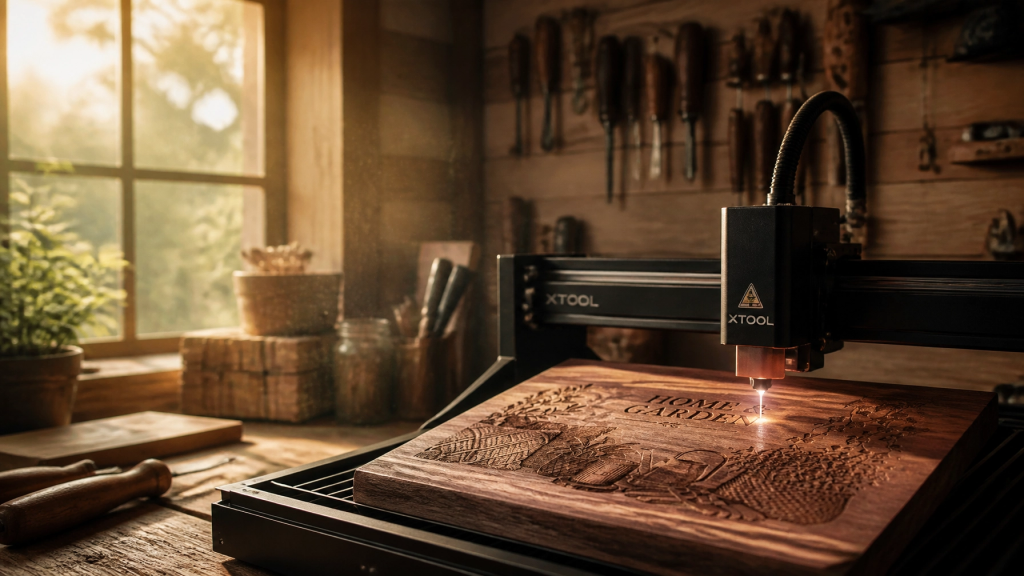
Images in this post were generated using AI for illustrative purposes. At CarvingTree.art, we specialize in high-precision custom designs—contact us to bring your unique vision to life!